Help Center
How To Insert A Photo In An Email Broadcast
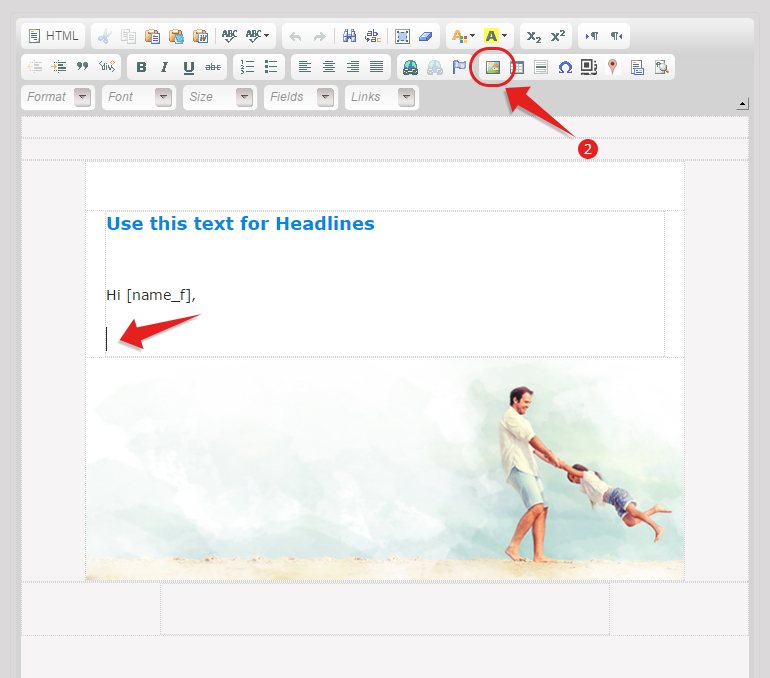
- Make sure that your cursor is on the spot where you want to add your photo.
- Click the Insert Photo Icon
- Click on Browse Server

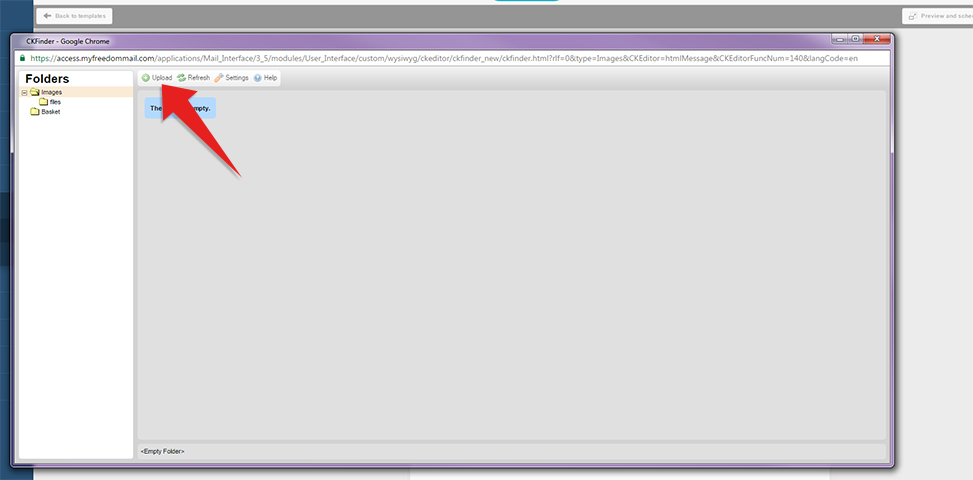
- Click on Upload button
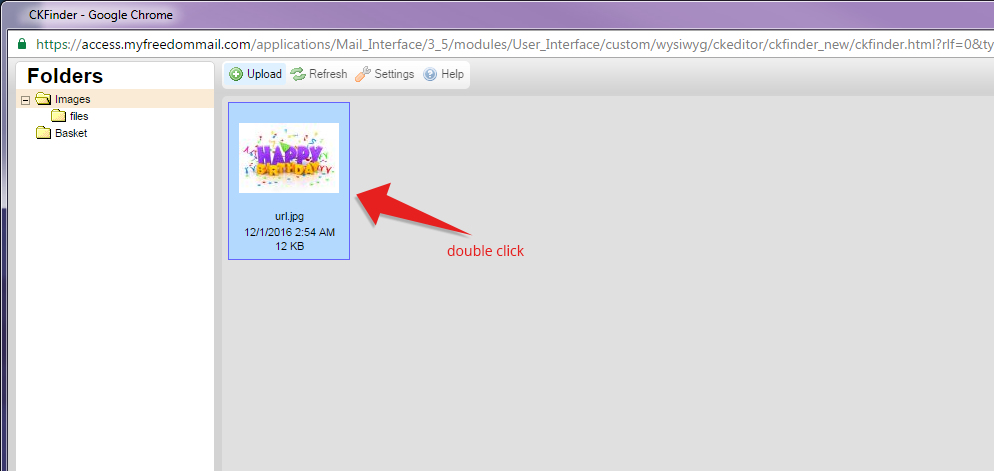
- Once the photo is loaded, double click on the image.
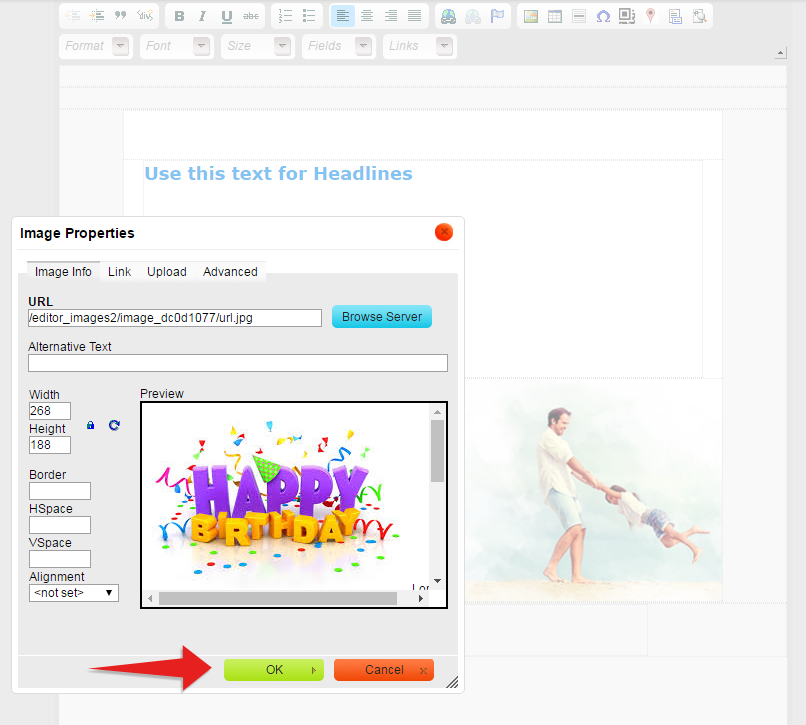
- Click the OK button.